Short, step-by-step guides to getting the most out of Pip. Each one shows the real screens, with every part explained.
Guides
PIP PRO
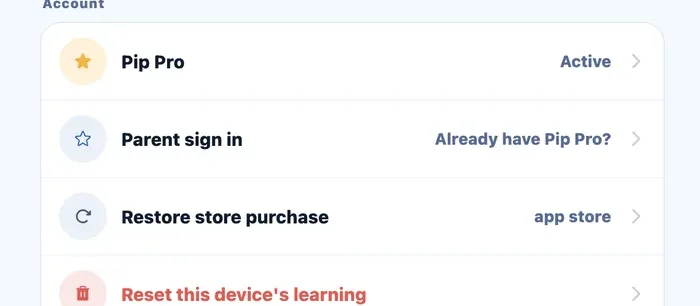
Set up the parent dashboard and link your children
See where every topic sits for each child, on any phone, tablet or computer.
Parents' corner›Settings›Parent sign in
Read the guide
Coming soon
- Choose an exam plan and countdown
- Set a daily goal and reminders
- Restore Pip Pro on a new device
- Read your child's Pip Score
Want a guide on something else? Email support@pip11plus.com.
Still stuck?
Where can I get help with Pip?+
Start with these guides. If you are still stuck, email support@pip11plus.com and a real person will reply.
You can also visit the support page or browse the Info Hub for 11+ guides.

Written by
The Pip team
The Pip team builds Pip, the 11+ and KS2 practice app for children in years three to six. We write these guides from real exam formats and past papers.