
Every game started life inside Pip, the adaptive 11+ and KS2 practice app. Pick a subject below, press Play, and see if it clicks for your child.
KS2 maths games
Ten free KS2 maths games, from times tables and division to factors, primes and missing numbers. Each one levels up as your child gets more right.
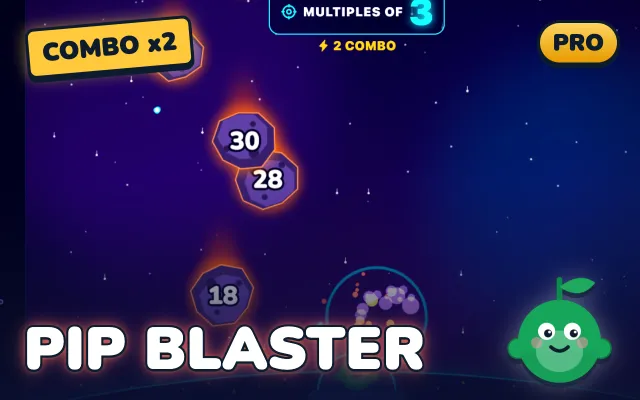
Factor Blaster PRO
Blast the meteors that are multiples or factors of the target number.
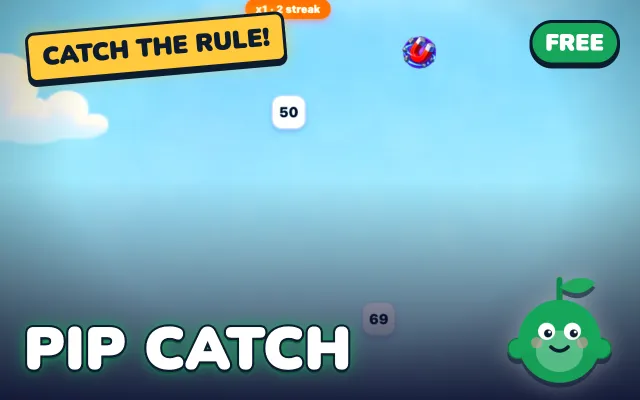
Pip Catch FREE
Move Pip under the falling numbers that fit the rule: primes, squares and more.
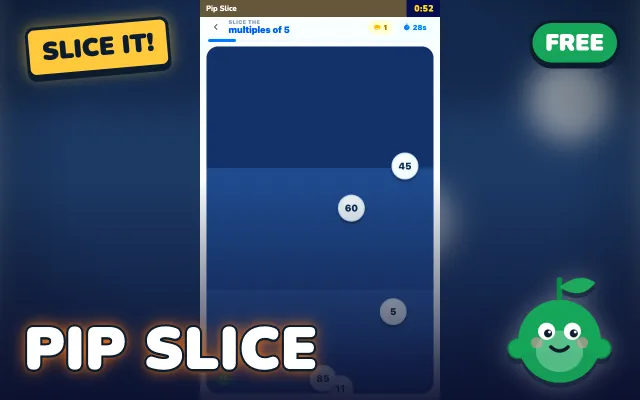
Pip Slice FREE
Swipe through the numbers that fit the rule and skip the rest.
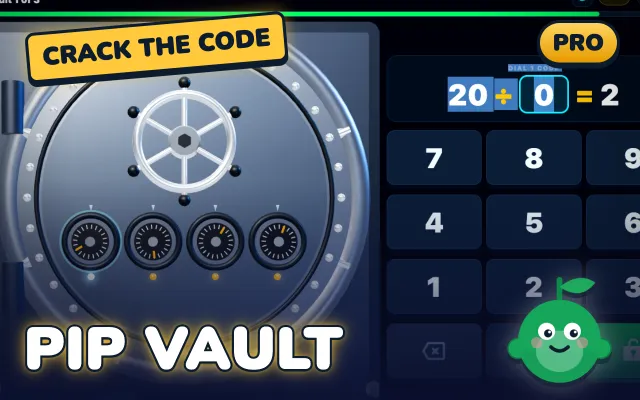
Vault Cracker PRO
Key in each missing number to spin the vault dials home.
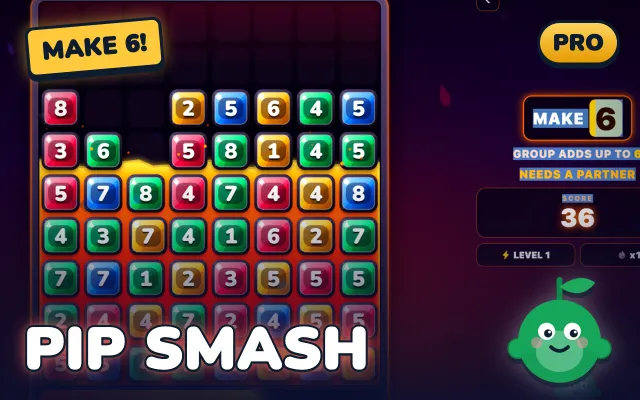
Number Smash PRO
Tap a colour group whose numbers hit the target, all the way up to Make 24.
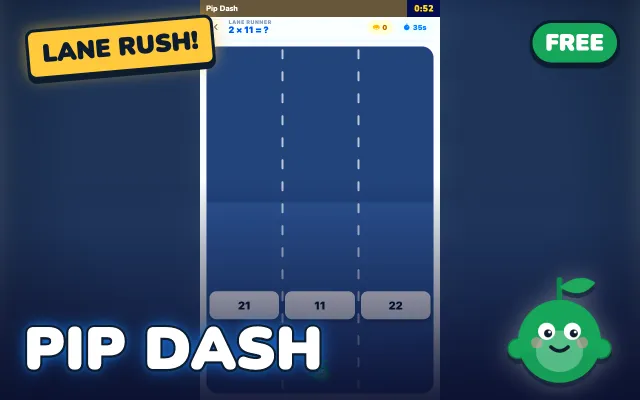
Pip Dash FREE
Steer Pip into the lane with the right answer before the fact rushes past.
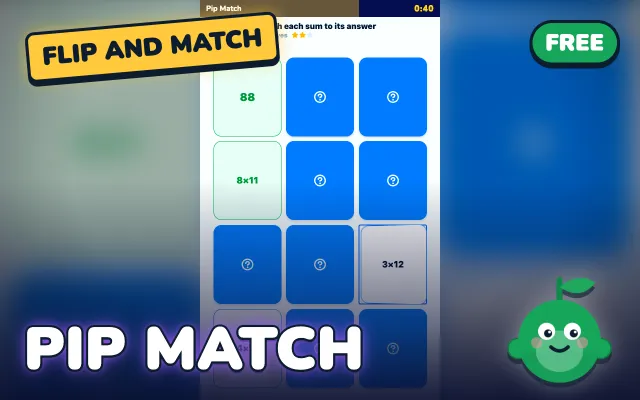
Pip Match FREE
Flip two cards and match each times table fact with its answer.
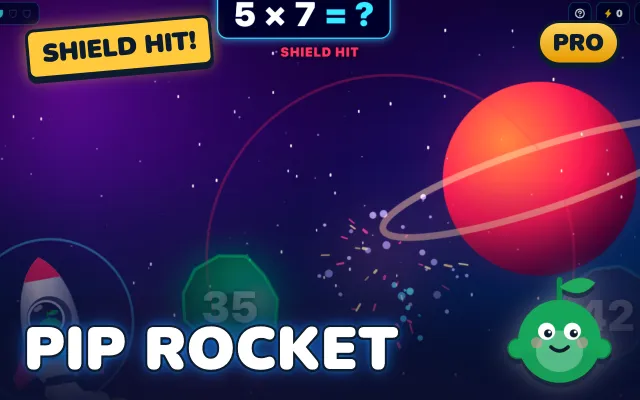
Rocket Run PRO
Fly into the asteroid that answers each times table or division fact.
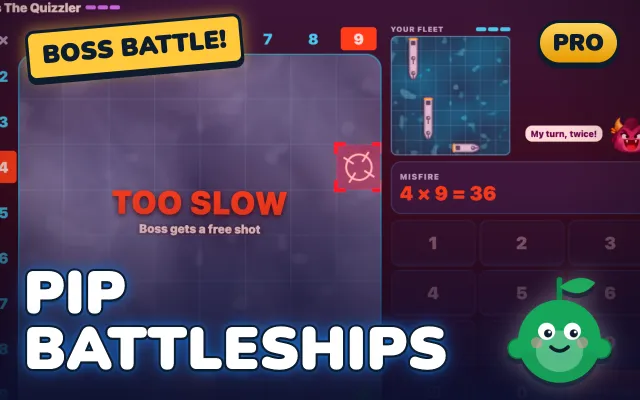
Battleships PRO
Pick a target, then crack the times table code to fire at the boss fleet.
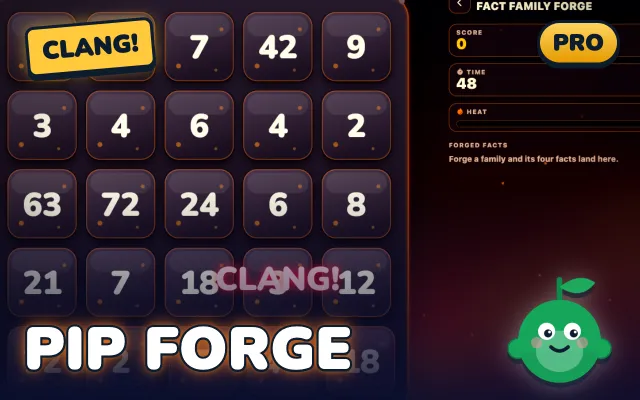
Fact Family Forge PRO
Chain two factors and their product to forge all four facts of a family.
KS2 English games
Nine English games for spelling, grammar, SPaG, homophones, prefixes and vocabulary. They are written by people who know the KS2 curriculum and the 11+.
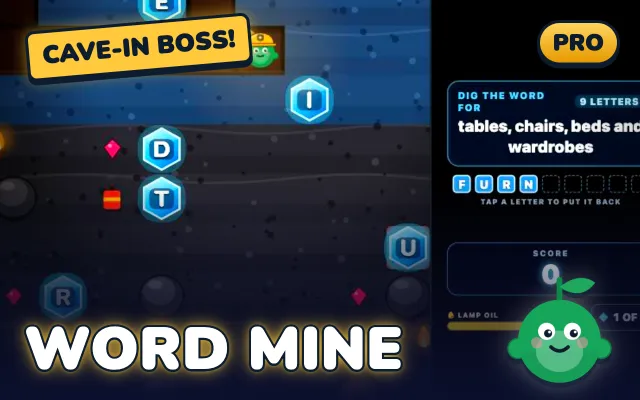
Word Mine PRO
Dig to the letter crystals and spell the word the clue describes.
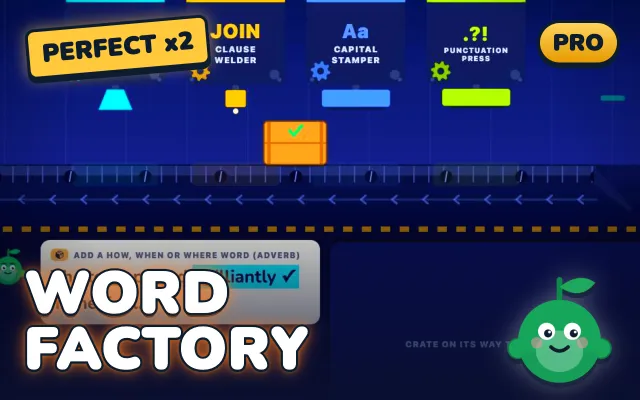
Grammar Factory PRO
Pick the option that makes each sentence right as the crate rolls past.
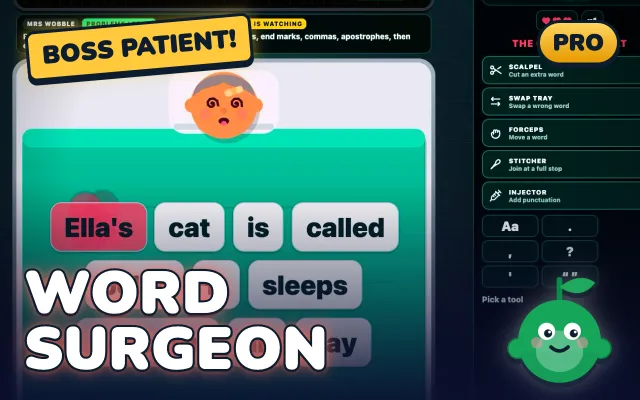
Sentence Surgeon PRO
Pick a tool and fix the broken word or punctuation in each sentence.
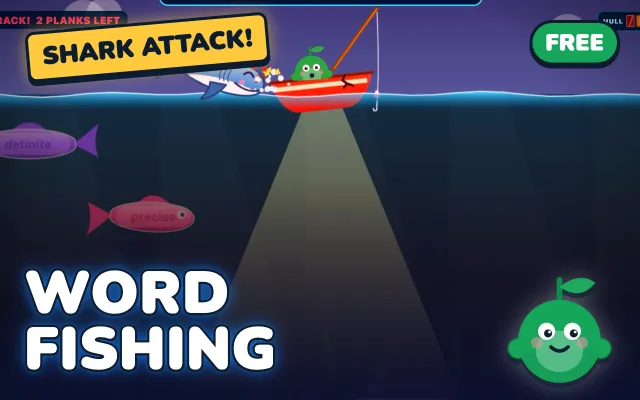
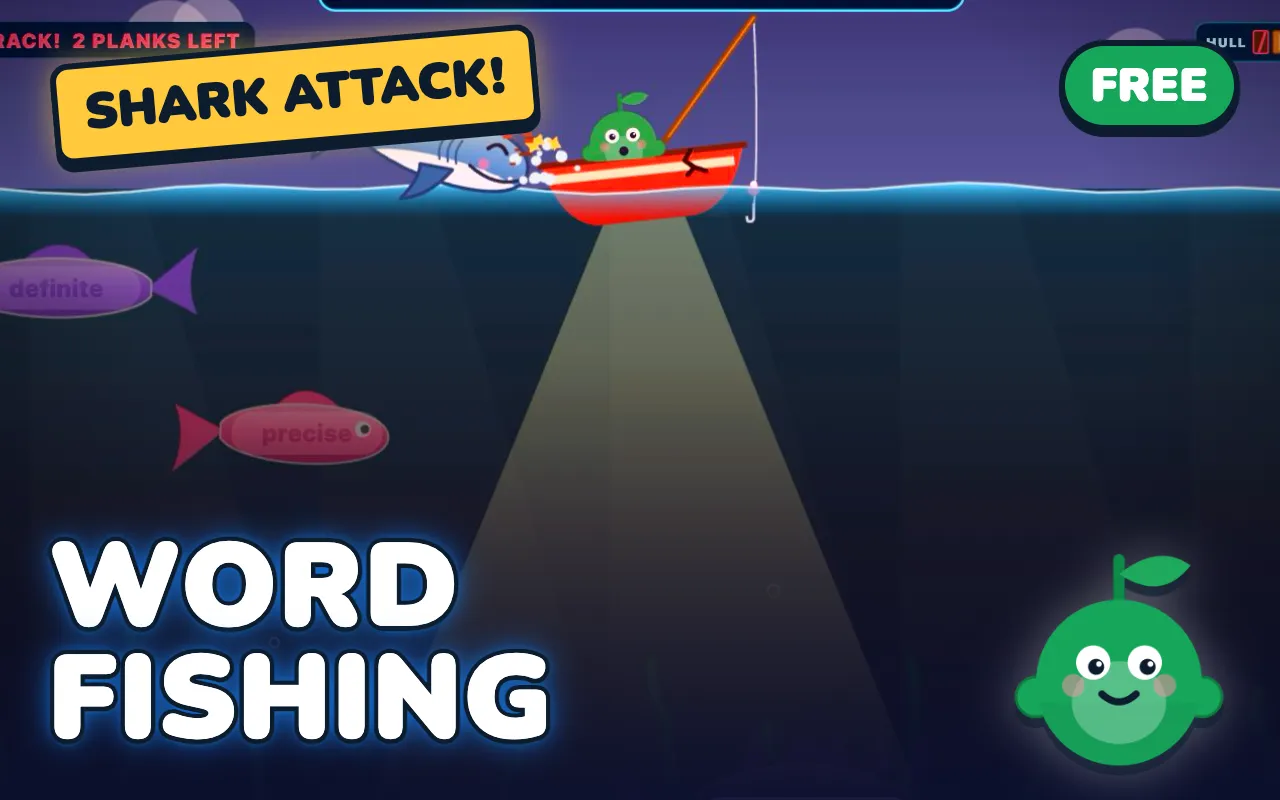
Vocab Fishing FREE
Read the clue, then hook the fish carrying the right word before the shark does.
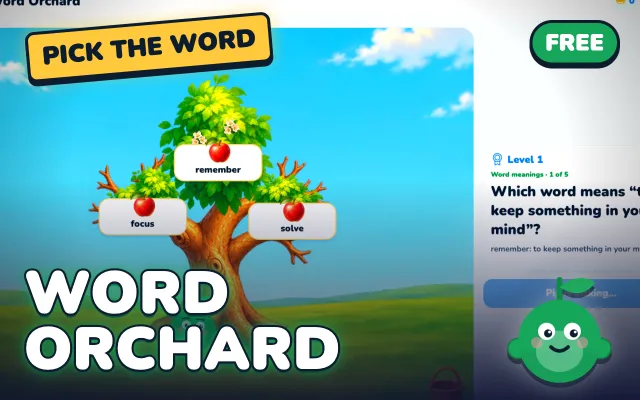
Word Orchard FREE
Tap the apple with the right word to grow your orchard.
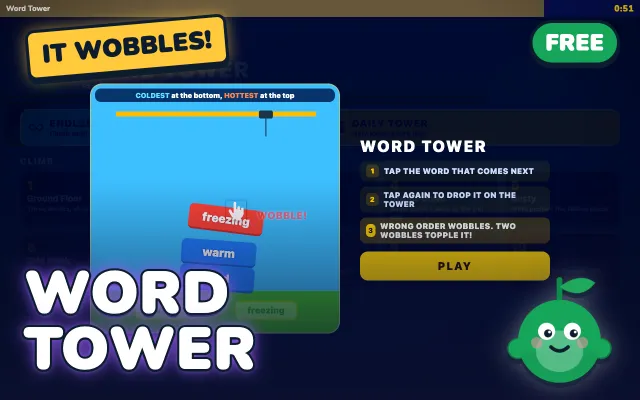
Word Tower FREE
Stack synonyms in order of strength before the tower wobbles over.
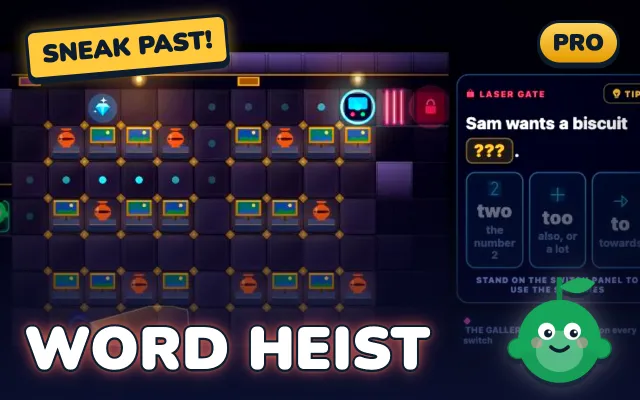
Homophone Heist PRO
Sneak to each laser gate and pick the homophone that fits the gap.
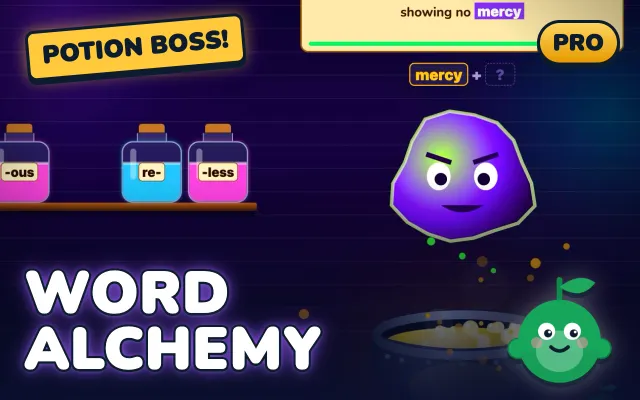
Word Alchemy PRO
Drop prefixes, base words and suffixes in the cauldron to brew new words.
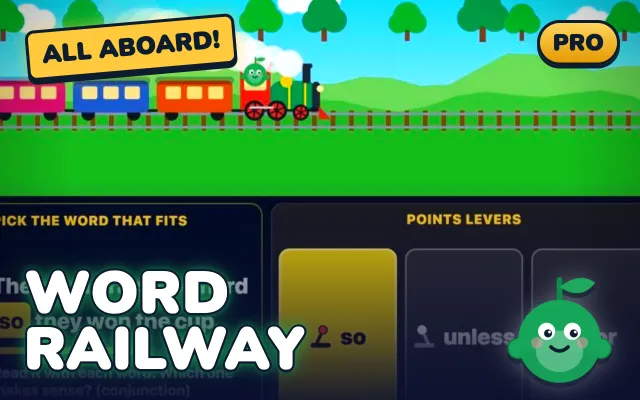
Sentence Railway PRO
Load the word carriages in order and flip the points in time.
Times tables games
Five games practise the times tables in different ways: speed, memory, division, strategy and fact families. Mixing them keeps practice fresh.
Pip Dash FREE
Steer Pip into the lane with the right answer before the fact rushes past.
Pip Match FREE
Flip two cards and match each times table fact with its answer.
Rocket Run PRO
Fly into the asteroid that answers each times table or division fact.
Battleships PRO
Pick a target, then crack the times table code to fire at the boss fleet.
Fact Family Forge PRO
Chain two factors and their product to forge all four facts of a family.
Compare the times tables games KS2 →
Every level, in the free Pip app
The demos stop after a minute. In the app, every level unlocks as your child improves, and progress is saved.



Which KS2 game should my child play?
Start with the skill your child finds hardest right now. The year groups are a guide only, because every game adapts.
| Skill | Best for | Game |
|---|---|---|
| Times tables speed | Years 3 to 6 | Pip Dash |
| Times tables memory | Years 3 to 6 | Pip Match |
| Division facts | Years 3 to 6 | Rocket Run |
| Odd and even numbers | Years 3 to 4 | Pip Slice |
| Primes and squares | Years 5 to 6 | Pip Catch |
| Factors and multiples | Years 4 to 6 | Factor Blaster |
| Missing numbers | Years 4 to 6 | Vault Cracker |
| Spelling | Years 3 to 6 | Word Mine |
| Grammar | Years 3 to 6 | Grammar Factory |
| SPaG and punctuation | Years 3 to 6 | Sentence Surgeon |
| Everyday vocabulary | Years 3 to 5 | Word Orchard |
| 11+ vocabulary | Years 5 to 6 | Vocab Fishing |
| Homophones | Years 3 to 4 | Homophone Heist |
| Prefixes and suffixes | Years 3 to 6 | Word Alchemy |
How Pip’s games adapt to your child
Each game starts gently and gets harder as your child gets answers right. In Word Mine the words get longer and trickier, and in Factor Blaster the targets move from multiples to primes and common factors.
If your child struggles, the game eases off rather than piling on. That keeps them in the sweet spot where practice is hard enough to count but never miserable.
In the Pip app, the arcade sits alongside daily adaptive practice across maths, English, verbal and non-verbal reasoning. Games are a reward and a warm-up, not a replacement for the practice itself.
Using these games in the classroom
These interactive KS2 games work well as classroom games for KS2, with no logins for the demos. Here are three ways teachers use them.
- Whiteboard demo. Open a game page on the board and press Play, then let the class call out answers.
- 60-second warm-up. One demo run is about a minute, the right length for the start of a maths or English lesson.
- Class iPads. Install the free Pip app on shared tablets for longer play, with each child’s level saved.
Free and Pro games
Seven games are free in the Pip app, and twelve need Pip Pro. The one-minute demo of every game is free on this page, at every level.
There are no free days or trials to cancel. Pip itself is free, and Pro is an optional upgrade.
More free KS2 practice
Games are best alongside real practice questions. Try these free pages next.
KS2 games FAQs
Are there 11+ games for practice?+
Yes. Word Tower, Word Mine and Homophone Heist build the vocabulary and spelling the 11+ asks for, and Factor Blaster and Pip Vault cover the maths.
They sit alongside the Pip app’s verbal reasoning games and practice.
Is there an 11 plus quiz my child can try?+
Every game here is a quick quiz in disguise. Open one, press Play, and your child gets a minute of questions at their level.
For full 11+ papers, the Pip app has timed mocks.
Are there verbal reasoning games for kids?+
The English games train the word skills verbal reasoning leans on: vocabulary, synonyms, spelling and odd-one-out thinking. The Pip app adds full verbal reasoning practice.
What are good KS2 games for maths and English?+
Games that practise one real skill and get harder as your child improves. Pip’s arcade covers times tables, factors, primes, missing numbers, spelling, grammar, SPaG, homophones and vocabulary.
Are these KS2 games free?+
Seven games are free in the Pip app: Pip Catch, Pip Slice, Pip Dash, Pip Match, Vocab Fishing, Word Orchard and Word Tower. The other twelve need Pip Pro in the app, and the one-minute demo of every game is free here.
Can my child play without downloading anything?+
Yes, for a minute. Each game has a one-minute demo that runs in the browser, and the full game with every level is in the Pip app.
What age are KS2 games for?+
Key Stage 2 is years three to six, ages 7 to 11. Every game adapts, so a Year 3 child and a Year 6 child can both play at the right level.
Do educational games actually help children learn?+
They help when they make children recall answers, little and often, at the right difficulty. Pip’s games are short, adaptive and have no ads.
Can teachers use these games in class?+
Yes. Put a demo on the whiteboard as a 60-second warm-up, or install the free Pip app on class iPads.
Are there games like BBC Bitesize for KS2?+
BBC Bitesize has a free, broad set of KS2 games. Pip’s arcade is narrower but adapts to each child, and the full games live in an app with progress tracking.
Does Pip have ads?+
No. There are no ads in the Pip app or in the demos.
Bookmark the arcade
- On a computer: press Ctrl and D, or Cmd and D on a Mac.
- On iPad or iPhone: tap Share, then Add to Home Screen.
- On Android: tap the menu, then Add to Home screen.